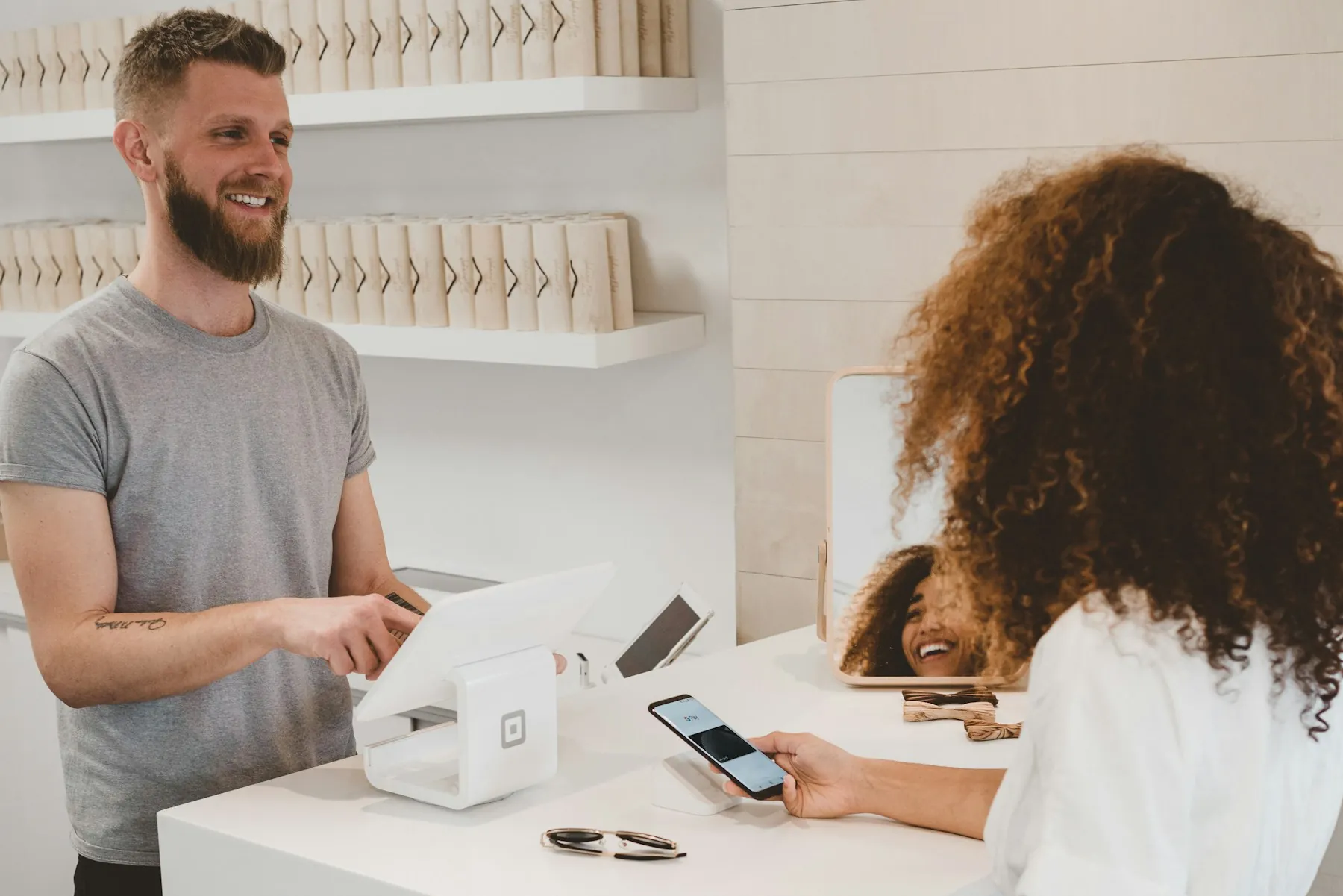
Appointment booking app India options have multiplied ahead of 2027, and small clinic and salon owners now have more choices than time to compare them. This best-of guide shows what actually matters when you pick an appointment booking app India for a two-chair salon or a single-doctor clinic: real availability, phone-first booking, WhatsApp-friendly confirmations, live token updates, honest pricing in rupees, and a setup your receptionist can run without training. We compare feature sets, cost structures, and rollout steps so you can shortlist confidently before the new year rush.
Key takeaways
- Publish only availability you can honour, even during festival season.
- Clinics need privacy controls; salons need stylist-wise slots and walk-in tokens.
- Compare total cost in rupees, not just the monthly subscription.
- Go live in 30 days with a staged, reviewed rollout.
What small businesses actually need in 2027
By 2027 most Indian customers will expect to book on their phone without calling. Google Search, WhatsApp, Instagram, and a QR code at the counter are the usual entry points, so the booking path has to be short and work on a slow mobile connection. A customer should open the link, see real dates, pick an exact slot, and get a confirmation with a booking reference in under a minute.
Owners need the other half of the story: control. Public holidays, staff leave, doctor rounds, salon rush hours, and walk-in pressure all break a naive calendar. The stronger products let the business approve dates and shifts by hand, set service duration, block breaks, and cap daily bookings. If the software shows a slot, the business must be genuinely able to serve it. That single rule separates a dependable appointment booking app India from a calendar that looks good in a demo and fails on a busy Saturday.
Clinic vs salon booking needs compared
A small clinic and a small salon share the same basics — availability, slots, reminders, queue status — but the details differ. Clinics handle patient information, so staff accounts, permission levels, and what appears on public displays matter more. A waiting-room screen should show tokens, never names paired with sensitive details. A clinic also leans on no-show reduction: reminders before the visit, easy rescheduling, and a clear cancellation policy.
Salons care about stylist-wise availability and service duration. A haircut takes 30 minutes, keratin treatment takes three hours, and a bridal package blocks the whole morning. Walk-ins matter more than in a clinic, so the same system should hand a token to someone who arrives without a booking and merge that person into the live queue. Multi-stylist rotas, commissions, and peak-hour pricing come next. Read our clinic booking system setup checklist or the salon booking system guide for the detailed workflow in each vertical before you compare tools.
Features to compare before you buy
Shortlist tools against this list, in this order of priority:
- Provider-controlled availability — approved dates, shifts, slot duration, breaks, and daily limits you set yourself.
- Exact slot booking plus walk-in tokens — appointments and queue in one system, not two apps.
- Mobile-first customer page — fast on 4G, no app install, works from a shared link or QR code.
- Reminders and notifications — booking confirmed, almost your turn, your turn, cancellation, reschedule.
- Live delay display — current serving token and an honest delay clock instead of a vague "please wait".
- Staff accounts and roles — owner, front desk, and assistant logins with different permissions.
- Reports you will read — attended bookings, no-shows, average delay, and remaining capacity per staff member.
- Multi-branch or enterprise access — only if you plan to add locations in the next 12 months.
How to evaluate an appointment booking app India shortlist
Take three shortlisted products and run the same test with your own data. Create one real service, one staff member, and one week of availability. Book from an Android phone and an iPhone. Cancel, reschedule, and attempt a double booking. Scan a wrong QR code. Turn off the Wi-Fi mid-booking and confirm the recovery path. Ask the vendor to show the staff side during a rush: calling the next token, adding a walk-in, and marking a delay.
Score each product out of five on your own criteria, not the vendor's. Include support quality — send a question at 7 pm and see how long a real reply takes. Check where the data lives, how you export it, and what happens to your records if you leave. Ask whether structured data and booking pages are built so search engines can understand them; the schema.org FAQPage specification is a useful reference point, and Google's guidance on booking-link policies explains what a booking link should do. Finally, confirm rupee pricing, GST invoicing, and the contract length before you commit.
Pricing in India: what you really pay
Indian small businesses usually compare the monthly subscription first, but the subscription is only part of the cost. Add the staff minutes spent on every booking, the phone calls a confusing flow creates, the no-shows a weak reminder system lets through, and any per-booking or per-staff charges in the plan. A ₹1,500 plan that prevents five no-shows a month can beat a ₹500 plan that does not.
Watch for the usual traps: deep discounts on annual plans before you have tested the product, per-SMS charges that were not in the headline price, and paid tiers that gate basic features like cancellation rules or staff accounts. Ask for the price of the exact configuration you need — two staff, one branch, reminders included — and compare that number across vendors. Health and wellness businesses should also confirm how patient or client data is stored and handled; national guidance such as the National Health Portal of India is a sensible starting point for context on health-service norms in India.
A realistic 30-day setup plan
Days 1–5: Write down your real capacity — approved dates, shifts, service durations, breaks, staff responsibilities, cancellation rules, and the statuses you will use during a live day. Decide who opens availability, who adds walk-ins, who calls the next token, and who closes the day. Use separate staff accounts from the start instead of one shared password.
Days 6–12: Build the profile with your real public name, services, location, photos, and contact details. Add the QR code and provider code for the counter and social profiles. Open a conservative one or two weeks of real availability. It is easier to add verified capacity later than to refund trust you never earned.
Days 13–20: Test internally with owner, staff, and customer accounts across devices. Cover cancellations, reschedules, duplicate attempts, wrong QR scans, unavailable dates, expired sessions, and poor-network recovery. Confirm notifications arrive once, with correct wording, at the right moment.
Days 21–30: Launch publicly. Put the booking link on your website and Google Business Profile, print the QR at the counter, and review reports daily for the first week. Adjust slot length and reminder timing based on what real customers do, not what you assumed.
Common mistakes buyers make
The most common mistake is choosing on the feature list instead of the daily workflow. A product with twenty menu items loses to one that publishes correct slots and calls the next customer cleanly. Other frequent errors: opening automatic availability months into the future, counting cancelled bookings as used capacity, hiding cancellation rules, letting all staff share one account, and skipping the delay-calculation test that makes a live queue trustworthy.
Also avoid a big-bang launch. Rolling out to every staff member and every service on one Monday morning turns small configuration errors into public ones. And do not skip the measurement step — if you never compare no-shows and average delay before and after, you cannot tell whether the new appointment booking app India is earning its cost. For a wider India-specific view, our guide to appointment booking apps for Indian service businesses covers the general operating model in more depth.
Conclusion: pick for 2027 with confidence
The right appointment booking app India for a small clinic or salon in 2027 is not the one with the longest feature list. It is the one that publishes only real availability, lets customers book from a phone in under a minute, keeps appointments and walk-in queues in a single workflow, and gives the owner clear reports on no-shows, delay, and remaining capacity. Test three shortlisted tools against your own week of real business, count the full cost in rupees, and roll out in stages over 30 days. Do that, and the tool you choose for 2027 will still fit when the second branch opens. See how SWIQ works at queue management and appointment booking software from SWIQ, or book a free demo to walk through your own workflow with our team.
Practical next step: write down your real availability, walk-in flow, and staff roles this week, then test two shortlisted apps against that document — not against their demo videos.
Related SWIQ pages: Queue management software India · Book a free demo · clinic booking system · salon booking system
Frequently asked questions
What is the best appointment booking app India for small businesses?
The best appointment booking app India for a small business is the one that publishes only real availability, takes bookings on a phone in a few taps, sends clear confirmations, and shows live queue status. Compare shortlisted tools against your own daily workflow, not against a feature checklist.
How much does an appointment booking app India cost?
Pricing varies by number of staff, branches, and features. Compare the full cost: subscription plus the staff time spent operating the tool. A cheaper plan that creates extra phone calls and manual reconciliation usually costs more than a slightly higher plan that runs the front desk on its own.
Can a salon and a clinic use the same booking app?
Yes, if the app supports different service durations, staff or stylist profiles, walk-ins alongside appointments, and branch-level access. A clinic adds patient privacy controls, while a salon needs stylist-wise availability and walk-in tokens. The same core workflow supports both.
How long does setup take for a small clinic or salon?
Most small businesses go live in two to four weeks: one week to document capacity and roles, one week to configure profile and availability, one week of internal and invited-customer tests, then a controlled public launch with daily review.
Can SWIQ support appointment booking app India?
Yes. SWIQ combines provider-controlled date and shift availability, exact slot booking, QR access, live tokens, running delay updates, notifications, staff accounts, client dashboards, and enterprise oversight for multiple branches.
See SWIQ in action
Explore provider-controlled availability, QR booking, live tokens, delay tracking, staff access, and enterprise dashboards.
Book a free demo