Indian salons that grow past a single chair quickly hit a wall: the paper diary shows a haircut at 11 am, but the facial room is double-booked, the nail technician has no slot visible, and the front desk is shuffling tokens by memory. A proper salon station setup solves this by treating every chair, room, and bar as a bookable resource with its own calendar, its own QR code, and its own live token stream. This guide walks through chair-wise scheduling, digital room booking, and POS integration so you can choose a workflow that fits a two-chair start-up or a twelve-station floor.
Key takeaways
- Define every chair, room, and bar as a station with its own slot rules and prep buffers.
- Chair-wise scheduling prevents double-bookings and lets the front desk move bookings instantly.
- POS integration must pull the station and service automatically at check-in for accurate commissions.
- One live queue across all stations gives the receptionist a single source of truth.
What a salon station means in booking software
A salon station is any physical resource that a customer occupies for a service: a styling chair, a hair-wash basin, a nail bar seat, a facial bed, a couples massage room, or a steam cabin. In booking software, each station gets its own availability calendar. When a customer books "haircut with Priya", the system reserves Priya's assigned chair for the service duration plus any buffer. When another customer books "gel manicure", the nail bar seat is reserved. The front desk sees a unified grid: Chair 1, Chair 2, Wash Basin, Nail Bar, Facial Room 1, Facial Room 2 — each with its own coloured blocks.
This matters because Indian salons rarely run a single service type. A bride's party might need three chairs, two wash basins, and a makeup station simultaneously. A walk-in for a beard trim needs any free chair right now. If the software only tracks stylist calendars, the wash basin becomes a bottleneck nobody sees until the client is waiting with wet hair. Station-level scheduling makes every resource visible and bookable.
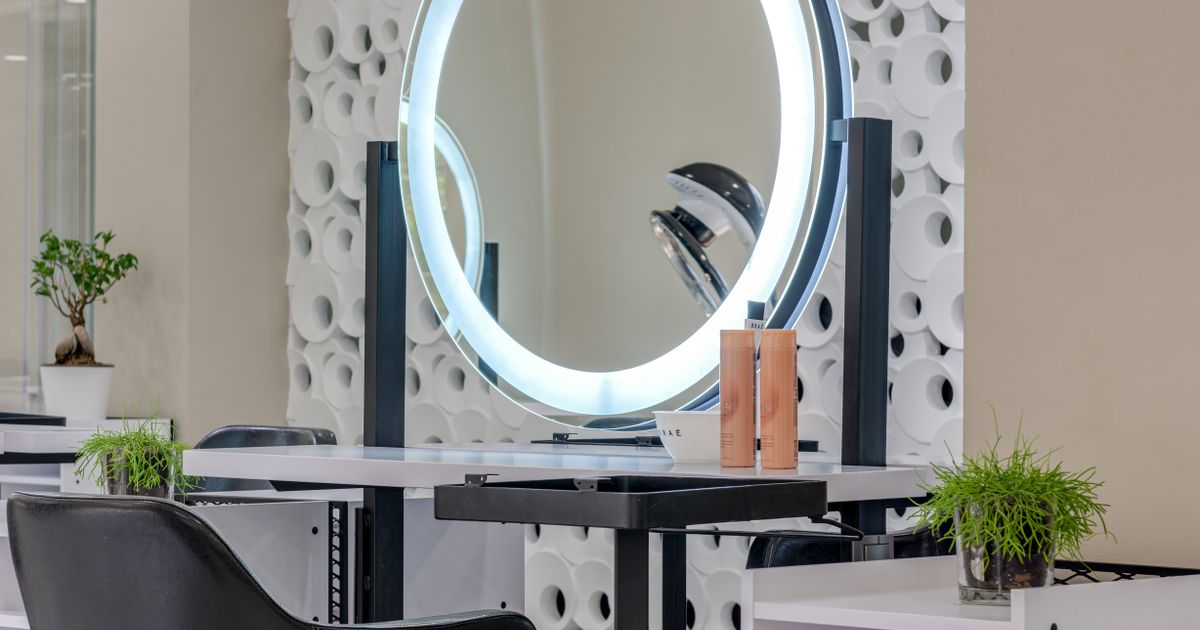
The station concept also solves the "which chair am I at?" confusion. Each station can have a printed QR code on the mirror. The customer scans, sees their token number, and knows exactly where to sit. The stylist sees the same token on their station tablet. No shouting across the floor.
Chair-wise scheduling vs room booking

Chairs and rooms share the same station logic but differ in slot design. A haircut chair runs 30–45 minute slots with a 5-minute turnaround. A facial room runs 60–90 minute slots with a 15-minute prep buffer for linen change and disinfection. A couples suite may need 120 minutes plus 20 minutes reset. The software should let you set per-station slot length, buffer time, and maximum daily bookings.
For a salon that offers both quick services (express blow-dry, beard trim) and long treatments (bridal package, keratin), mixing chair and room stations in one grid is essential. The receptionist drags a 30-minute booking into Chair 3 and a 90-minute booking into Facial Room 1 without switching views. The customer booking page shows only the relevant stations for the selected service — they never see "Chair 4" when booking a facial.
Walk-in handling differs too. A walk-in for a haircut takes the next free chair token. A walk-in for a facial checks room availability and may need to wait for the buffer to clear. The queue display shows both: "Chair 2 — Token 07 (haircut)" and "Facial Room 1 — Token 03 (facial, 12 min prep)". The therapist sees their room token; the stylist sees their chair token. One queue, two station types.
Digital station booking for walk-ins and appointments
Digital station booking means the customer — whether they booked ahead or walked in — interacts with the station through a screen or QR code. For appointments, the confirmation message includes the station name and a QR code. On arrival, the customer scans the station QR, the system marks them "arrived", and the stylist gets a subtle notification. For walk-ins, the receptionist taps "Add walk-in" on the station tile, picks the service, and the system issues the next token for that station.
The key is that both paths feed the same live queue. There is no separate "appointment list" and "walk-in list". Token 05 might be a pre-booked haircut at Chair 1; Token 06 might be a walk-in beard trim at Chair 2. The stylist at Chair 1 calls Token 05; the stylist at Chair 2 calls Token 06. The display board shows the current token per station. Customers see their position without asking.
This also enables station-level analytics. At month-end you know Chair 1 ran 85% utilisation, Facial Room 2 ran 40%, and the nail bar turned away 12 walk-ins because all seats were full. That data drives decisions: add a nail seat, reduce facial rooms, or stagger stylist shifts to match chair demand.
POS integration that matches the station workflow

A salon station workflow is incomplete if the POS lives in a silo. When the customer arrives for "haircut + colour at Chair 3 with Priya", the POS should already know: the service bundle, the station (Chair 3), the stylist (Priya), the booked price, and any prepaid amount. The receptionist taps "Check-in" on the station tile, the invoice opens with the right line items, and the only decision left is retail add-ons or tip.
Commission rules are the next integration point. If Priya earns 40% on services and 10% on retail, the POS calculates her split at the moment of payment — not in a month-end spreadsheet. When the customer buys a shampoo after the haircut, that retail line gets Priya's 10% automatically because she was the attending stylist at Chair 3. If the customer was walked in by the receptionist and served by a different stylist, the POS lets you reassign the stylist before payment.
Inventory sync closes the loop. A keratin treatment at Facial Room 1 consumes 60 ml of product from stock. The POS decrements inventory when the invoice is paid. The store manager sees real-time stock without a separate count. For multi-branch salons, station-level POS data rolls up to a central dashboard: which stations sell the most retail, which stylists upsell best, which services have the highest product attachment rate.
Technical note: the integration works best as a webhook from the booking system to the POS. When a token is marked "served", the booking system pushes {tokenId, stationId, stylistId, serviceCodes, customerId} to the POS endpoint. The POS creates or updates the draft invoice. No manual entry, no mismatch.
Multi-station salons: commission and staff routing
As the station count grows, two operational problems appear: stylist-to-station assignment and commission fairness. In a six-chair salon, three stylists may rotate across chairs based on the day's bookings. The software should support many-to-many mapping: a stylist can be assigned to multiple stations, and a station can host multiple stylists across shifts. The morning shift stylist takes Chair 1 and 2; the evening stylist takes Chair 2 and 3. The booking page shows availability per stylist, but the station grid shows the physical resource.
Commission tracking follows the stylist, not the station. If Priya works Chair 1 on Monday and Chair 3 on Wednesday, her commission report aggregates both. The POS integration described above handles this because the stylistId travels with the token, not the stationId. The stationId only matters for capacity and queue display.
Staff routing for walk-ins uses the same logic. When a walk-in arrives for "any haircut", the system checks which stylist has the nearest free chair token. If Chair 2 is free in 5 minutes (Priya) and Chair 4 is free in 20 minutes (Rohan), the walk-in gets Token 12 at Chair 2. The receptionist can override — "customer requested Rohan" — but the default is fastest available station with a qualified stylist.
For large floors (10+ stations), zone-based displays help. The receptionist sees "Hair Zone: Chairs 1–4", "Nail Zone: Seats 1–3", "Spa Zone: Rooms 1–2". Each zone has its own token sequence and display screen. The master view still shows all zones for the manager.
Common station setup mistakes
The most frequent mistake is creating stations that mirror the price list instead of the physical floor. "Haircut" and "Haircut + Wash" are not separate stations — they are services that use the same chair. The station is the chair. Services map to stations, not the other way around. If you create a station per service, you end up with 40 stations for a 6-chair salon and the grid becomes unreadable.
Second mistake: ignoring buffer time. A facial room without a 15-minute prep buffer runs late by the third appointment. The buffer is not "empty time" — it is part of the station's service cost. Build it into the slot length so the calendar shows the real next available time.
Third: no station QR codes. Printed QR codes on each mirror and room door let customers self-check-in. Without them, the receptionist becomes a bottleneck. A ₹50 laminated QR sticker per station pays for itself in the first week of reduced check-in time.
Fourth: POS that asks for the station at payment. If the cashier has to select "Chair 3" from a dropdown, they will pick the wrong one during rush hour. The station must be pre-filled from the check-in action.
Fifth: treating wash basins as invisible. A wash basin is a station. If two stylists share one basin, their chair slots must stagger so the basin is free when needed. Model the basin as a station with 15-minute slots and link it to the chair services that require a wash.
Conclusion: build a station workflow that scales
A salon station setup that works today and scales tomorrow rests on three pillars: every physical resource is a bookable station with its own calendar and QR code; one live queue serves appointments and walk-ins across all stations; and the POS pulls station, stylist, and service data automatically at check-in so commissions and inventory stay accurate. Start with your actual floor plan — count chairs, basins, rooms, bars — and create one station per resource. Set slot lengths and buffers per station type. Print the QR codes. Connect the POS webhook. Test with a full day of real bookings and walk-ins. If the receptionist never has to shout "whose turn is next?" and the month-end commission report matches the stylist's own tally, the station workflow is solid. See how SWIQ handles station scheduling, live tokens, and POS webhooks at queue management and appointment booking software from SWIQ, or book a free demo to walk through your own floor plan with our team.
Practical next step: sketch your floor plan, list every chair, basin, room, and bar, assign a slot length and buffer to each, then test two booking systems against that station list — not against their feature pages.
Related SWIQ pages: Queue management software India · Book a free demo · salon booking system · appointment booking for salons
Frequently asked questions
What is a salon station in booking software?
A salon station is a bookable resource — a styling chair, treatment room, nail bar, or wash basin — that gets its own availability calendar. The software publishes slots per station so customers book the exact resource they need and stylists see only their assigned stations.
How does chair-wise scheduling help a busy salon?
Chair-wise scheduling prevents double-booking the same chair, shows real-time occupancy across all stations, and lets the front desk move a booking to a free chair without disturbing the customer. It also enables stylist-to-chair mapping for commission tracking.
Can a salon station system handle room booking for facials and spa treatments?
Yes. Treatment rooms, couples suites, and steam cabins are configured as stations with longer slot durations and prep-time buffers. The same queue shows chair and room tokens together so the receptionist manages one live list.
What POS integration matters for a salon station workflow?
The POS should pull the booked service and station automatically at check-in, apply stylist commission rules, add walk-in retail sales to the same invoice, and sync inventory when products are used during a treatment.
Does SWIQ support salon station scheduling and POS linking?
Yes. SWIQ lets you create unlimited stations (chairs, rooms, bars), assign staff, set service durations per station, publish QR codes per station, run a live token queue, and connect to POS via webhook for invoicing and commission reports.
See SWIQ in action
Explore provider-controlled availability, QR booking, live tokens, delay tracking, staff access, and enterprise dashboards.
Book a free demo